Updates
Quotation to Invoice Fiscalization

Convert active quotations directly to fiscal invoices with ZIMRA compliance.
How it works: 1. Open a quotation in the details view 2. Click the "Fiscalize as Invoice" button 3. System automatically converts the quotation to an invoice 4. Invoice is fiscalized with ZIMRA FDMS in a single workflow
Quotation must be ACTIVE (not expired or already converted)
Fiscal day must be open (21:00–05:00 restriction applies)
Device must be properly configured
This streamlines your workflow by eliminating the need to recreate invoices from approved quotations.
#fiscalization#quotations#invoices#zimra
Convert active quotations directly to fiscal invoices with ZIMRA compliance.
How it works: 1. Open a quotation in the details view 2. Click the "Fiscalize as Invoice" button 3. System automatically converts the quotation to an invoice 4. Invoice is fiscalized with ZIMRA FDMS in a single workflow
Quotation must be ACTIVE (not expired or already converted)
Fiscal day must be open (21:00–05:00 restriction applies)
Device must be properly configured
This streamlines your workflow by eliminating the need to recreate invoices from approved quotations.
#fiscalization#quotations#invoices#zimra
Other updates
Other updates
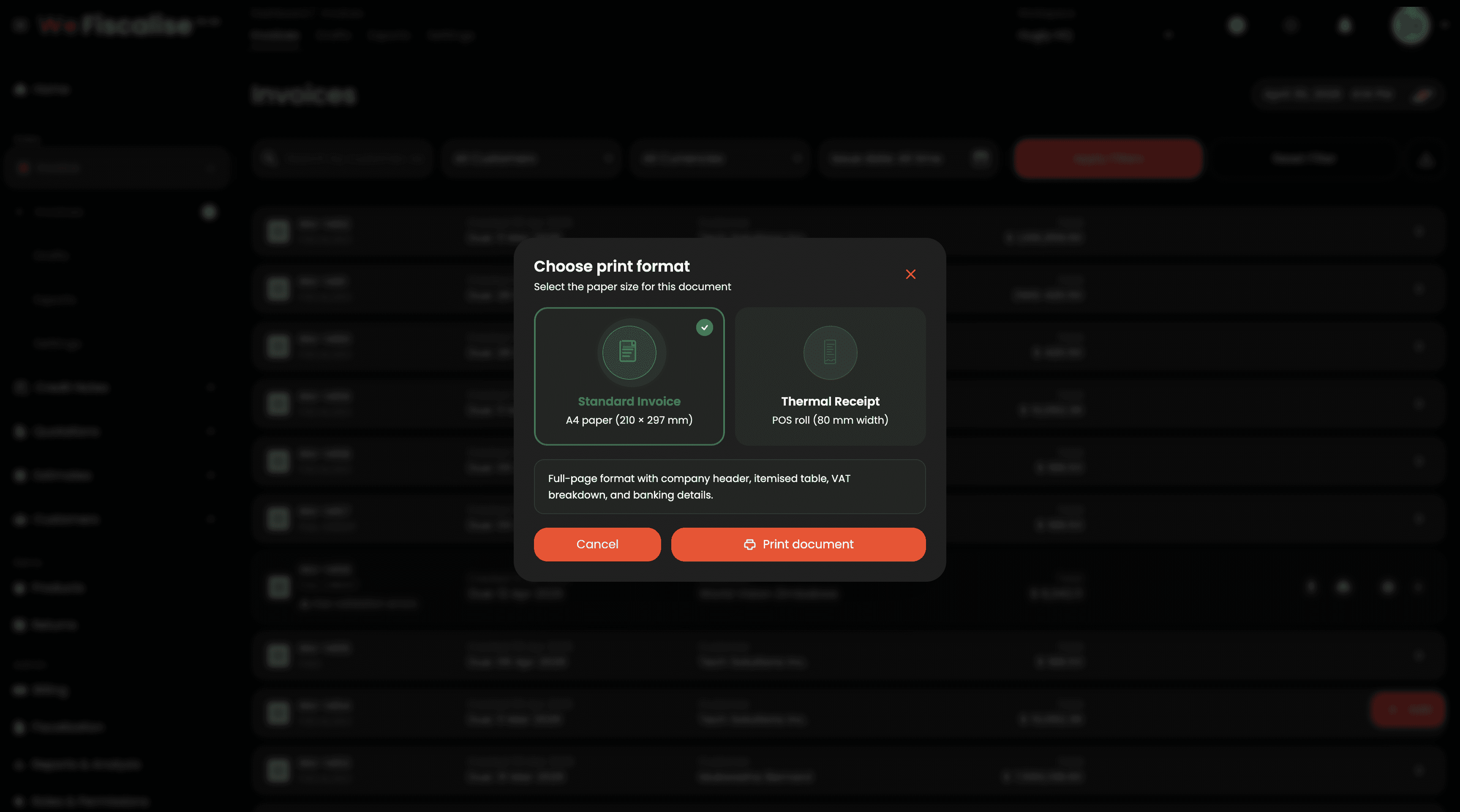
Branded QR Codes, Print & Download Formats, POS View, and More
Apr 30, 2026

Quotation & Estimate PDF Templates
Mar 27, 2026
Quotation & Estimate PDF Templates
Mar 26, 2026

Bulk invoice and credit note export to CSV
Mar 27, 2026
Bulk invoice and credit note export to CSV
Feb 28, 2026

Complete Quotation and Estimate Management System
Mar 29, 2026
Complete Quotation and Estimate Management System
Mar 26, 2026

Quotation & Estimate Share Links
Mar 27, 2026
Quotation & Estimate Share Links
Mar 26, 2026

Walk-in customer quick-add modal on invoice creation
Mar 27, 2026
Walk-in customer quick-add modal on invoice creation
Feb 8, 2026