Updates
Walk-in customer quick-add modal on invoice creation

You can now add individual (walk-in) customers without leaving the invoice creation screen.
Click the Walk-in button next to the customer selector to open a compact modal. Enter the customer's first name, last name, phone number, and optionally email address and delivery address.
The new customer is immediately available in the invoice customer selector after creation — no page refresh required. This is especially useful for point-of-sale scenarios where you need to invoice a new individual customer quickly.
#customers#invoices#ux
You can now add individual (walk-in) customers without leaving the invoice creation screen.
Click the Walk-in button next to the customer selector to open a compact modal. Enter the customer's first name, last name, phone number, and optionally email address and delivery address.
The new customer is immediately available in the invoice customer selector after creation — no page refresh required. This is especially useful for point-of-sale scenarios where you need to invoice a new individual customer quickly.
#customers#invoices#ux
Other updates
Other updates
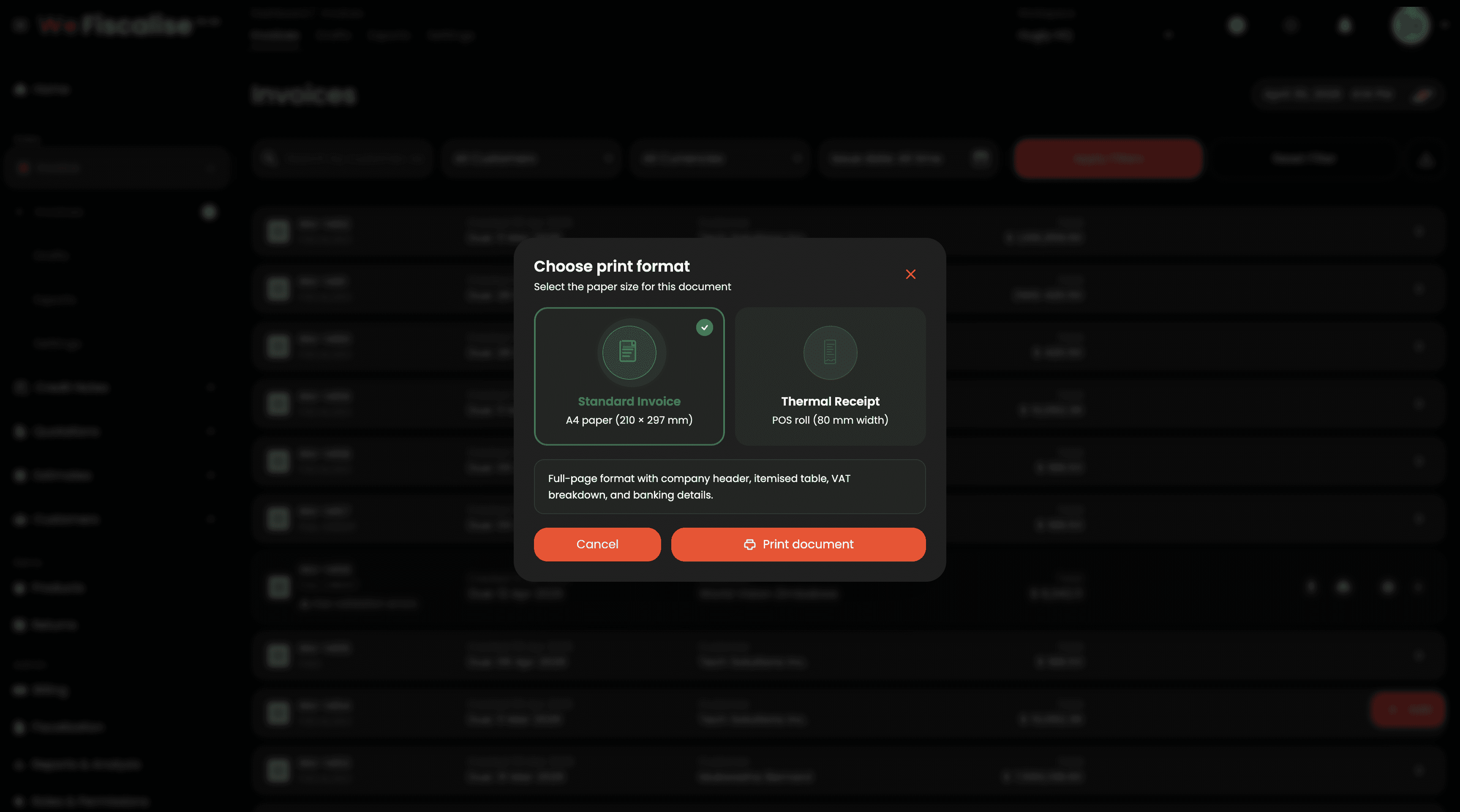
Branded QR Codes, Print & Download Formats, POS View, and More
Apr 30, 2026

Quotation to Invoice Fiscalization
Mar 27, 2026
Quotation to Invoice Fiscalization
Mar 26, 2026

Quotation Email Templates & Delivery
Mar 27, 2026
Quotation Email Templates & Delivery
Mar 26, 2026

Complete Quotation and Estimate Management System
Mar 29, 2026
Complete Quotation and Estimate Management System
Mar 26, 2026

Quotation & Estimate PDF Templates
Mar 27, 2026
Quotation & Estimate PDF Templates
Mar 26, 2026

Bulk invoice and credit note export to CSV
Mar 27, 2026
Bulk invoice and credit note export to CSV
Feb 28, 2026